
Download and install hasil akhir
Installation paths
- Android: Download APK directly from hasil akhir or use a trusted app store
- iOS: Access hasil akhir through Safari or Chrome browser (no App Store listing)
- Web: Open hasilakhir.net in any browser on desktop or mobile
Step-by-step installation
- Download: On Android, enable "Unknown sources" in Settings → Security, then download the hasil akhir APK file. On iOS, open Safari and navigate to hasilakhir.net.
- Install: On Android, tap the APK file and follow the prompts. On iOS, tap "Add to Home Screen" to create a shortcut.
- Register or log in: Open hasil akhir, create a new account with email and password, or sign in with your existing credentials.
- Start playing: Verify your account, add a payment method, and access live tables, sportsbook, or slots.
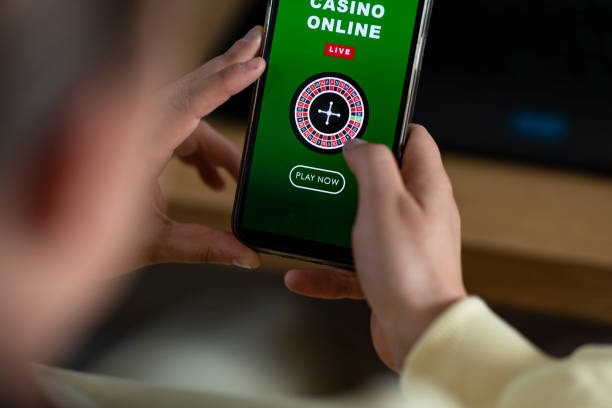
App vs. browser: which is right for you
Our native Android app offers offline account access, push notifications for deposit confirmations and withdrawal status, faster table loading, and lower bandwidth use during live-dealer streams. The app caches your account dashboard so you can check your balance without an internet connection. Browser access (iOS Safari, Chrome on any device) works on all phones and requires no installation; you simply bookmark hasilakhir.net and log in each time. Both paths use the same encryption and security protocols. Choose the app if you play frequently and want faster performance; choose the browser if you prefer simplicity or use iOS.
Device compatibility
hasil akhir app requires Android 7.0 or later. iOS users access hasil akhir through Safari 12 or later, or Chrome 80 or later. Desktop browsers (Chrome, Firefox, Safari, Edge) on Windows, macOS, and Linux all support hasilakhir.net. Older devices may experience slower table loading or connection drops during peak hours; we recommend updating your OS if possible.

Common installation issues and fixes
If you see "Unknown app" or "Cannot install" on Android, check that you have enabled "Unknown sources" in Settings → Security → Install unknown apps. If the APK file does not download, try a different browser or clear your browser cache. On iOS, if "Add to Home Screen" does not appear, make sure you are using Safari (not Chrome) and that you are on hasilakhir.net (not a cached version). If the app crashes after install, restart your phone and clear the app cache in Settings → Apps → hasil akhir → Storage → Clear Cache. If you still cannot install, contact our support team during business hours.
Data, permissions, and account security
hasil akhir app requests permission to access your device's camera (for KYC photo verification), microphone (for live-dealer chat), and location (for jurisdiction verification). We do not sell or share your location data. All personal data (name, email, phone, address, payment info) is encrypted with SSL and stored on secure servers. Your password is never stored in plain text. Two-factor authentication adds a second layer of security: after you log in, we send a code to your registered phone number or email. We recommend enabling two-factor authentication in your account settings. If you lose access to your phone, use the password-reset link on the login page to regain access.
Why choose hasil akhir mobile
Fast loading
Encrypted
subject to verification
Live tables